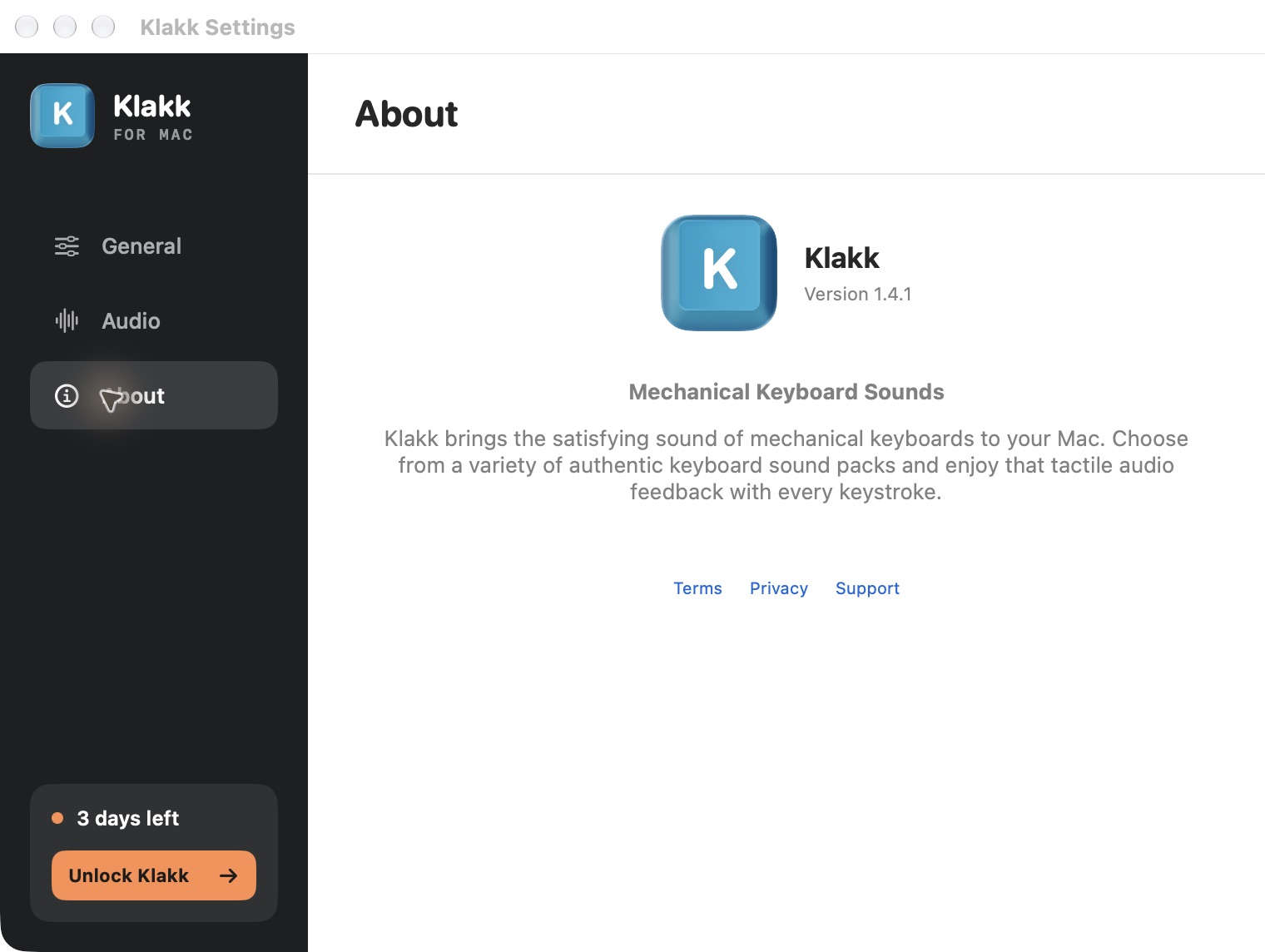
Pay for keyboard sounds when you have found recordings you want to keep hearing and an app that fits your computer. Klakk’s website editions include all 14 sound packs in a three-day trial. Continued use is US$4.49 once per platform, plus applicable tax. Free alternatives are worth considering too; a paid label alone does not establish better sound, lower latency or a better fit.
I’m Levin, Klakk’s developer, and prepared this article with AI assistance. These are the current website Mac and Windows 1.4.1 offers, checked on October 12, 2026. I make Klakk, so this is an explanation of our offer and its limits, rather than an independent ranking or a story about measured customer results.
Listen to all 14 Klakk packs · Start the Mac website trial · Try Klakk for Windows
The sound has to be one you want to keep
A feature list cannot tell you whether you enjoy a recording. The useful first question is whether you hear something you would choose again after the novelty of the first few taps.
Hear Klakk’s 14 included packs. They include options named CherryMX Blue, CherryMX Brown, CherryMX Red, Gateron Blacks — Revolt, Everglide Oreo and NovelKeys Cream. The full pack list identifies the bundled choices. Pack names describe the selected recordings; the app does not change your keyboard’s switches, force or physical noise.
You do not need to find fourteen favorites. Finding one that you like for ordinary typing can be enough to make an app useful to you. Finding none is a good reason to keep looking. A larger catalog or a more expensive app does not settle that personal preference.
The browser preview lets you hear the recordings before installing. Desktop playback in your usual apps, on your own speakers or headphones, is the next decision. The website trial gives you that opportunity before purchasing; the browser preview is not a desktop compatibility or latency test.
Free software and paid sounds are different offers
There are several ways to get keyboard effects, and “free download” does not describe all of them.
| Offer | What to check before spending |
|---|---|
| Free app with included sounds | Whether the included sounds and controls satisfy the task |
| Free app with optional paid packs | Whether the particular recording you want has a separate price |
| App trial followed by a license | What continued use includes and when the trial starts |
| An upfront app purchase | Which platform and edition the purchase covers |
| A subscription bundle or marketplace app-only offer | Whether this specific app is included, its billing terms and any required host |
On Windows, Keyboard Sounds Pro is a free, open-source example with profile editing and audio effects. If its sounds and controls fit, there is no need to pay Klakk merely to add keyboard audio. Read the Windows app comparison for its checked release and other options.
KeyEcho separates a free app and free packs from optional US$3.99 Crafted Packs and a US$9.99 All Sounds Forever purchase. Buying a paid pack is optional. Check the selected pack and current checkout rather than treating either “free app” or “paid sounds” as the complete price of every possible choice.
Those models make a simple price ranking unhelpful. A free recording that you enjoy costs less than a Klakk license. One optional sound purchase and a whole app license include different things. Compare the actual sounds and capability you want, rather than assuming that the offer with more packs or a higher price must be better.
Some typing-related purchases pay for an animated companion or collectible items. Compare typing companions and keyboard sound apps if you want a character, audio or both; a cosmetic item and a sound pack are different purchases.
An optional tip can support an app without unlocking it
Check whether a payment buys access or simply supports development. You can enjoy a free sound app and choose to thank its maker; that contribution does not necessarily add another recording or extend a trial.
For example, the current US Tacque App Store listing shows a free download with a US$1.99 Tip in-app purchase. It lists version 1.3 for macOS 15+. The publisher’s Tacque terms, labelled June 9, 2026, say tips are voluntary contributions and do not unlock features or grant additional rights. We have not made that payment or tested its purchase screen.
That is a different offer from Klakk’s website license, which continues playback after its three-day trial, and from KeyEcho’s optional paid sound purchases. Decide which object you want: continued use, a particular sound, or support for a maker whose free app you already enjoy. A tip price is not the cost of unlocking every free app, and an in-app purchase label alone does not explain what you receive.
The maker’s Tacque launch discussion also describes free playback with an optional tip jar. It does not settle offers on other channels. Tacque’s separate Setapp app-only listing, below, has its own purchase conditions; do not combine its price with the App Store tip or assume both routes grant the same rights.
Listen and evaluate the available app first. Support a free app if that is what you intend; buy a playback license when you want the continued access it expressly includes.
A marketplace listing is not always part of a membership
A subscription bundle can be worth checking if you already use it for other apps. First verify that the particular typing app is included. Its presence in the marketplace does not establish that entitlement.
For example, on October 13, 2026, Tacque’s Setapp page displayed Standalone app and “From $4.99. Tacque app only.” It lists version 1.2 for macOS 15 or later. The page also promotes Setapp Membership, so read the app-specific purchase label rather than treating that general promotion as proof of included access.
Setapp’s Single app FAQ says apps marked Standalone are separate purchases, not included in Membership. It also distinguishes single-app subscriptions from one-time purchases. The “From” price alone does not establish which billing period, device allowance or purchase option you would select. We have not opened an authenticated purchase screen or tried Tacque.
There is a software dependency to check as well: the same FAQ says individually purchased Setapp apps still need Setapp desktop to function and receive updates. A one-time purchase on that marketplace therefore should not automatically be described as an independent installer without a host.
For a Membership subscription, Setapp’s cancellation explanation says access continues through the paid period; afterward, its membership apps can remain installed but cannot be used. That explanation concerns membership access, not a conclusion that every individually purchased app stops when Membership ends.
Compare the rights you would actually retain. An app already included in a membership you intend to keep may meet the need without another purchase. An app-only offer is a separate decision. Klakk’s website license is a one-time platform purchase, with no bundle membership; choose it if its included recordings and controls are what you want. We do not promise every future feature or sound release merely because the current license is paid once.
What US$4.49 includes in Klakk
The website license continues playback after the trial in the platform edition you purchased. All fourteen bundled packs are included, rather than separate purchases for CherryMX Blue, Everglide Oreo or another included choice. You can select them in the app and use its volume and output-device controls.
| Website edition | Current offer |
|---|---|
| Mac 1.4.1, build 23 | macOS 14+ on Apple silicon or Intel; 14 packs; three days from first launch; US$4.49 once plus applicable tax |
| Windows 1.4.1 | Windows 10/11, native x64 or ARM64; 14 packs; three days from first launch; US$4.49 once plus applicable tax |
The two platforms are separate purchases. The Mac App Store edition also has its own purchase and license, with the price shown in Apple’s regional purchase screen. A Windows receipt does not activate the Mac edition, and an App Store purchase is not a website license. Confirm the edition before paying. If a particular payment method matters, compare payment options and the license you receive before choosing a route. For your own laptop and desktop, compare personal multi-computer rights, cross-platform purchases and family access before choosing another license.
Klakk’s current offer is for selecting its included recordings. It has no supported user-facing custom-pack import or sound editor. If importing your recordings is essential, the custom-pack comparison points to apps designed for that requirement. We also do not claim a verified end-to-end latency advantage or promise improved typing speed, concentration or productivity.
Some people value it, others would rather keep the money
A public Thock and Klack discussion contains both views: its creator questioned spending money for occasional use, while other participants described a small purchase as worthwhile for sounds they used regularly. Those opinions concern Klack and Thock, not Klakk, and the thread is historical. They are not customer testimonials for this product or a current sound-quality test.
The useful distinction is the purchase criterion. If the sound is only an occasional curiosity, a browser preview or a free app may meet the need. If you keep choosing a particular included Klakk pack and want it while typing across your desktop apps, the license may be worthwhile to you. There is no need to turn that preference into a promised work benefit.
Permission and data policy belong in that choice too. The website Mac edition requires Input Monitoring. Both website editions use analytics and licensing communication alongside local playback. The Mac edition also sends settings telemetry. Typed text and raw keystrokes are not uploaded. The Mac privacy policy and Windows privacy policy describe those separate activities. Local playback does not mean zero communication.
Spend after the trial answers your question
Start the three-day trial when you have time to use the app: it begins at first launch. Decide whether you still want the recordings in your everyday applications, whether the relevant keys and output behave as you expect, and whether the platform license and data policy suit you.
The current website revision also has a dismissible purchase invitation during the trial. Why we chose a close button and limited reminders explains its timing, action and design limits.
For Mac, download the website edition and use the Mac trial page for the current channel details. For Windows, open the Windows product page; its current installer is unsigned, so review the source and any warning using the download verification article before running it.
A working download is not a reason to purchase on its own. Pay when the app has earned a place in your setup. Keep using a free alternative if it already gives you the sounds and controls you want.
Frequently asked questions
Do I have to buy each of Klakk’s fourteen packs separately?
No. The fourteen bundled packs are included in the website edition’s trial and continued licensed use. Klakk currently has no user-facing custom-pack store or import editor.
Is US$4.49 one license for Mac and Windows together?
No. Website Mac and Windows are separate platform purchases. The Mac App Store edition has a separate purchase and license too; applicable tax and the final amount appear at checkout.
Does paying prove that Klakk sounds better than a free app?
No. The price is the offer, not a comparative sound-quality result. Listen to the recordings and use the trial on your own setup before deciding.
What if I prefer a free app after trying Klakk?
Choose the app that fits. Downloading or starting a Klakk trial does not obligate you to buy; continued Klakk playback after the trial needs the appropriate license.
Hear it before deciding
Preview all 14 sounds · Try the Mac website edition · Try Klakk for Windows