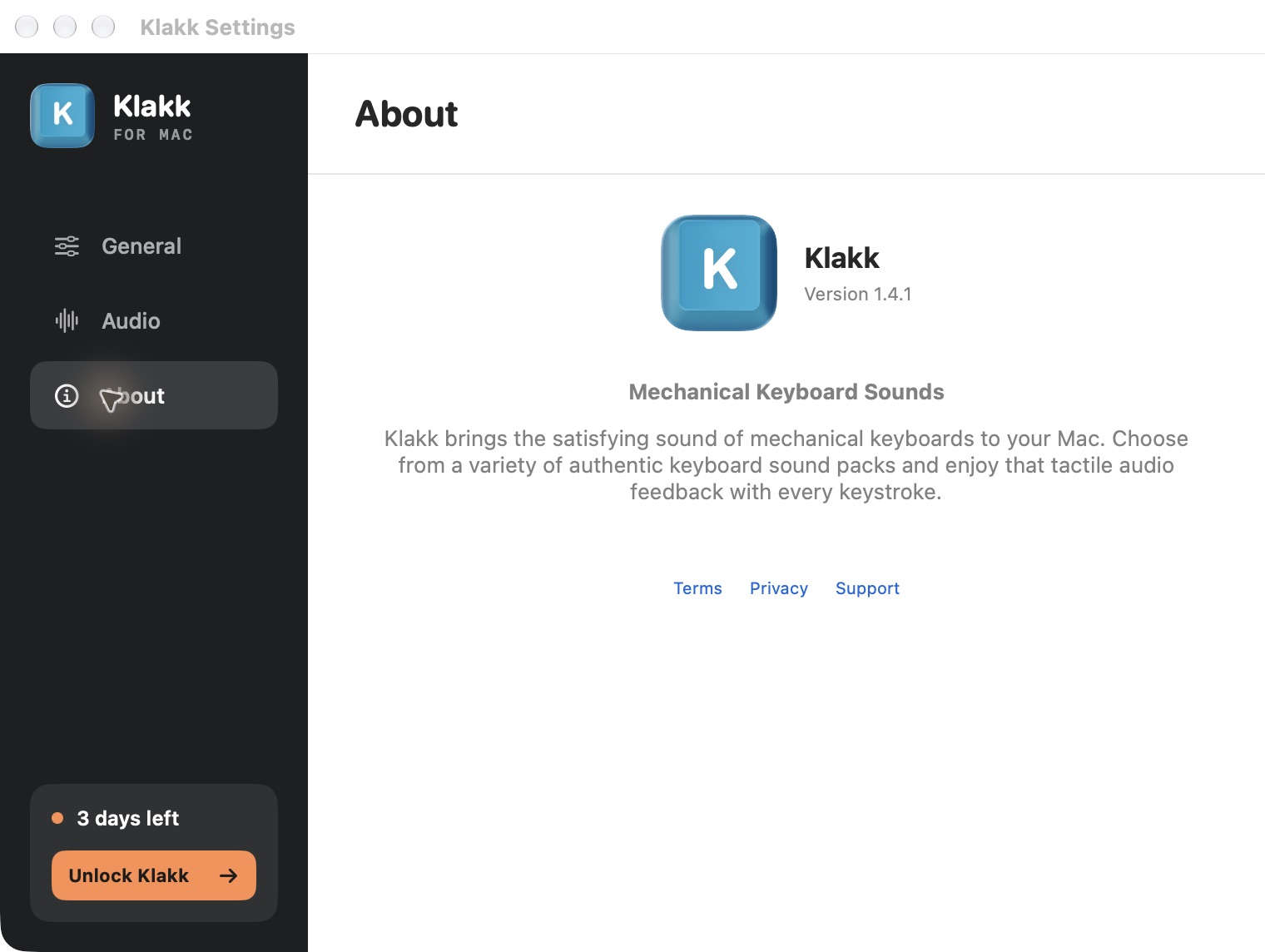
A keyboard sound trial should give you time to decide whether you want to keep hearing its recordings. Klakk’s current website editions invite you to buy with a small, dismissible reminder during the trial. Closing that reminder leaves an unexpired trial available; selecting Unlock Klakk opens the purchase screen.
I’m Levin, Klakk’s developer, and wrote this explanation with AI assistance. These are our choices for the published website Mac and Windows 1.4.1, internal revision 2026-10-11.1. This is a first-party product design view. We have not demonstrated that these choices increase purchases or reflect a preference shared by all customers.
The sound should earn the purchase
Klakk adds recordings to your existing keyboard. The first thing to judge is whether you enjoy those recordings while doing your own typing. A well-designed upgrade button cannot answer that question for you.
That is why the browser preview is available before installation. It plays the fourteen included packs on that page. The desktop trial then lets you try playback in your usual applications, with your chosen audio output and volume. The preview does not establish desktop compatibility, measured latency or the experience on every keyboard.
Our offer is continued access to those included sounds. It does not promise faster typing, better concentration or a quieter physical keyboard. If you find a sound you want to keep, the license has a clear purpose. If you prefer the keyboard without added audio, a purchase reminder should leave room for that decision too.
We tied the reminder to limited local activity
For this revision, the first reminder becomes eligible after 100 qualifying typing-key presses during an active trial. Subsequent reminders require another 2,000 qualifying presses, with at least one hour between displays and no more than two displays in a rolling 24-hour period.
| Limit | What it means |
|---|---|
| First 100 qualifying presses | An initial opportunity to present the offer after some typing activity |
| Another 2,000 presses | A repeat needs additional activity after the previous display |
| At least one hour apart | Reaching the repeat count does not immediately show another reminder |
| At most two in rolling 24 hours | The display limit does not reset just because midnight passes |
These are eligibility rules, not an exact schedule. Playback must be enabled and the trial must remain active. The reminder is suppressed when the relevant edition is purchased, the trial has expired, playback is disabled or the purchase screen is already open. Mac also requires its keyboard-monitoring permission.
The local counter concerns selected physical typing-key events. It does not count words, read sentences or measure accuracy. Modifier and navigation keys, held-key repeats and configured shortcut actions are excluded from this reminder count. Pasting a paragraph does not add its words to the count. We do not use this number as evidence that you enjoyed the sound.
Those thresholds are a product choice. We have not established that 100 presses is the best moment for everyone, or that an hour is the ideal interval. Publishing the rule makes the choice easier to understand and evaluate.
A clear invitation, with a clear way to close it
The English reminder says “Keep the sound you love”, followed by “Keep all 14 sound packs after your trial.” The primary button is “Unlock Klakk.” A smaller price line states “US$4.49 once. No subscription. Tax at checkout.”
The top-right × closes it. We kept a single prominent purchase action and a separate dismiss control. Closing the reminder does not purchase anything, disable sound playback or end the remaining trial. It also does not permanently switch off future reminders; a later display still has to satisfy the activity and frequency limits.
Selecting Unlock is an explicit request to see the purchase screen. It does not itself charge you. Checkout is a separate action in that screen, where the final amount and applicable tax can be reviewed. Existing license holders can use the activation and restore controls for the relevant website edition.
The invitation appears while there is trial time left. Its copy does not claim that your trial has already expired, and it does not display a countdown. Actual trial expiration still governs access. We want the purchase to follow your judgment about the sound, rather than a misleading early expiry message.
Passive display has to respect the typing task
The reminder is designed to appear without activating Klakk or taking the typing window’s focus. Opening the purchase screen is different: it happens after you select Unlock.
There are limits to the verification behind that design. Our Mac check confirmed that the tested reminder display left another application in the foreground; it did not prove uninterrupted physical typing across every application. Windows x64 checks covered focus and pointer actions in four interface languages. Windows ARM64 checks preserved the tested editor and thread focus, while foreground-window and native pointer verification were unavailable in that environment.
These checks support those specific observations. They are not a guarantee for every desktop, accessibility setup, full-screen application or input method. A reminder that disrupts your work is useful feedback even if a previous check passed. The support page explains how to contact us; the installed edition, revision and a description of the interruption are more useful than the text you were typing.
Measuring the invitation is different from measuring value
The website editions record separate reminder display, dismiss and Unlock events. That lets us distinguish seeing an offer from choosing to open it. Opening a purchase screen, starting checkout and completing a purchase remain different stages.
The reminder counter is local. Its cumulative typing-key count and the content you type are not sent as reminder-event data. The apps still have usage analytics and licensing communication; Mac also has settings telemetry. Read the Mac privacy policy or Windows privacy policy for the wider scope. Local counting does not mean that the app has no network communication.
We have not shown a purchase improvement from this reminder design. A dismiss event also cannot tell us whether someone disliked the recording, wanted more trial time or simply needed to finish a sentence. Those interpretations would need evidence beyond the event itself.
The offer remains simple
The website trial lasts three days from first launch and includes all fourteen bundled packs. Continued use costs US$4.49 once per platform, plus applicable tax. Website Mac, Windows and the Mac App Store edition have separate licenses. This reminder explanation covers the current website editions, rather than the App Store purchase flow or older 1.4.1 files.
The revision-specific public release identifies the update. Mac requires macOS 14+ on Apple silicon or Intel. Windows supports Windows 10/11 on native x64 or ARM64; its installers remain unsigned. Check the Mac download page or Windows product page for the appropriate edition.
My preference is to make the invitation visible, make closing it straightforward and let the sound carry the purchase decision. That is a design position we can explain today. Whether it works better for customers is something we still need to establish.
Frequently asked questions
Does closing Klakk’s trial reminder stop the sounds?
No. Closing the reminder leaves an unexpired, enabled website trial available. It does not extend the three-day trial or permanently disable later reminders.
Is the first reminder triggered by 100 words?
No. It uses 100 qualifying typing-key presses counted locally. That count does not measure words, sentences, speed or accuracy.
Does Unlock Klakk immediately charge me?
No. It opens the purchase screen. Starting checkout is a separate action; the final price and applicable tax are reviewed in checkout.
Is this reminder included in every file labelled 1.4.1?
No. This explanation covers the published website internal revision 2026-10-11.1. Earlier 1.4.1 files and the separate Mac App Store edition are outside that scope.
Listen, then decide
Hear the fourteen included packs before installing. If you want to try them during desktop typing, choose the Mac website trial or Windows trial. The purchase-value article explains what the license includes and where a free alternative may already fit.