Windows 10/11 · x64 + ARM64
Klakk 1.4.0
Automatically installs the right version for your PC: x64 or ARM64.
Download for Windows ↓KLAKK / WINDOWS
Play mechanical keyboard sounds as you type in Windows apps. 14 sound packs, native ARM64 and x64 support, and a 3-day free trial.
Choose your sound and volume. Unlock lasting access with one US$4.49 purchase through Creem.
Windows 10/11 · x64 + ARM64
Automatically installs the right version for your PC: x64 or ARM64.
Download for Windows ↓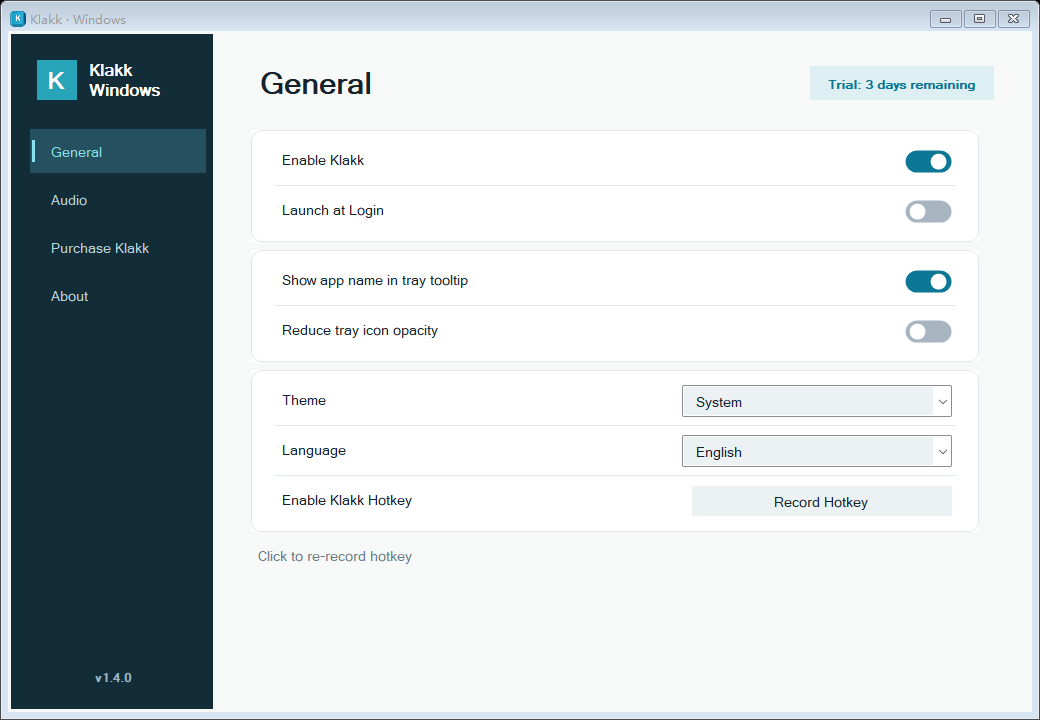
Move between soft, creamy and clicky sound packs. Choose a favorite and set a comfortable volume.
The desktop app responds as you type in your usual apps. The website demo lets you preview the sound before installing.
Native ARM64 and x64 versions in one installer. Windows 10/11 on 64-bit Intel, AMD and ARM devices.
All 14 sound packs are available in the 3-day free trial. Continue with a US$4.49 one-time purchase. There is no subscription.
Yes. The installer chooses the native version for your Windows 10/11 PC. You do not need to choose a separate download. 32-bit x86 Windows is not supported.
Yes. Install the desktop app to hear sounds while typing in your other applications. The browser demo only plays inside this page.
Yes. Klakk follows your Windows audio output. Headphones let you listen to the generated sounds; they do not silence the physical keyboard.
Make sure Klakk is enabled, choose a sound pack, and check app volume, the Windows volume mixer and your selected output device. Try local speakers or wired headphones when comparing Bluetooth or remote-desktop audio.