Free download macOS 14+
macOS
Get the signed Mac DMG containing the Apple-notarized Klakk app.
Download for macOSKeyboard sounds for Mac & Windows
Play mechanical keyboard sounds as you type on Mac or Windows. Choose from 14 sound packs, adjust the volume, and try Klakk free for 3 days.

Choose a sound pack, then press any key to hear how it feels while you type.


 Volume
  Sound Pack


Hear Mechanical
Keyboard Feedback
Select your favorite sound from the menu,
then press any key to hear it.
Preview the sounds here,
then use Klakk on Mac or Windows.
💡 Interactive Demo - Experience real mechanical keyboard sounds from Klakk
See how Klakk adds keyboard sounds through headphones while you type on a Mac.
Headphones contain the added audio. Klakk does not reduce the physical sound of your keyboard.
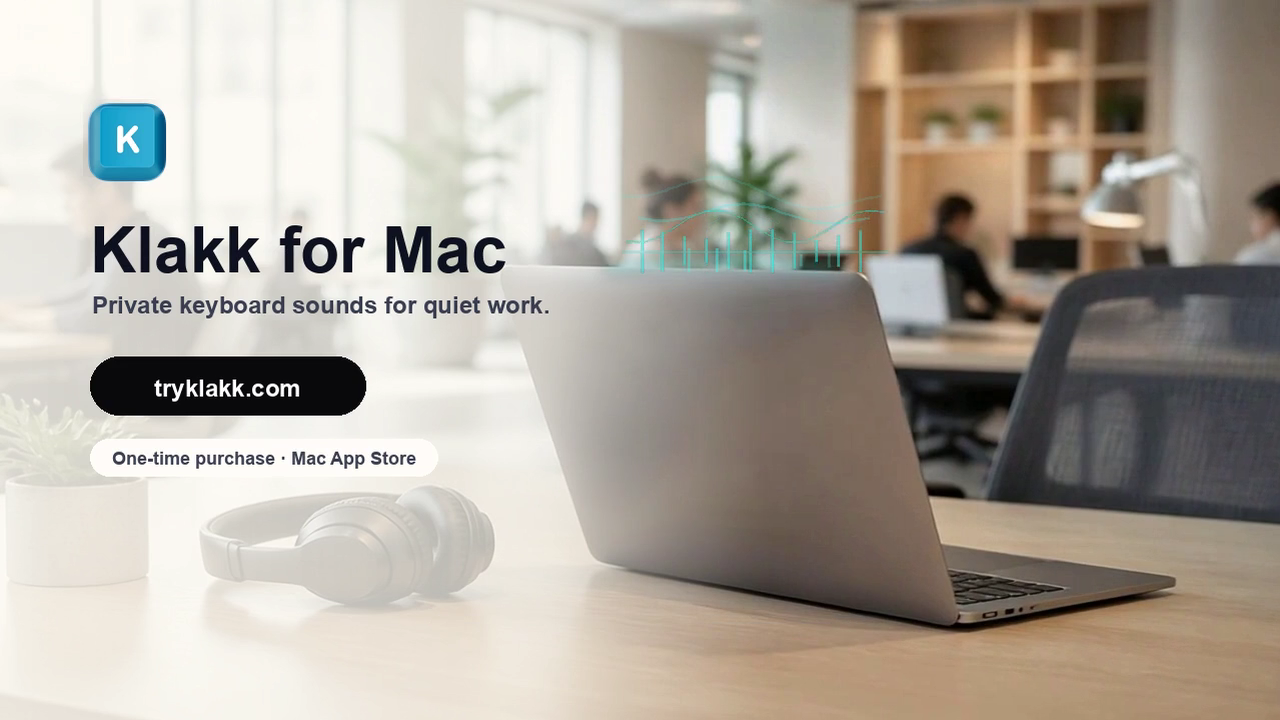
Mechanical keyboards feel great, but offices need quiet. Klakk keeps the feedback private. Pick a sound pack you love, put on your headphones, and enjoy the clicks without sharing the noise. Try Klakk for Mac at tryklakk.com.
Use your existing keyboard to hear your selected sounds in Mac and Windows apps. Choose from 14 packs, adjust the volume, and try Klakk free for 3 days.
Install Klakk, allow Input Monitoring, and choose your first sound.
Read guideOne installer selects ARM64 or x64 for your PC. Pick a sound and start typing.
Read guideChoose a pack, balance the volume, and listen while you write in your usual apps.
Read guideHear what a sound app changes, try it in the browser, then use it across your desktop apps.
Read guideKlakk includes 14 sound packs from familiar mechanical keyboard styles, so you can move between clicky, creamy, softer, and sharper feedback without changing hardware.
The library is not limited to Cherry-style sounds. It includes switch-inspired packs across Cherry MX, Gateron, Everglide, NovelKeys Cream, Banana Split, Razer BlackWidow Elite, and Apex Pro styles.
How keyboard sound simulation works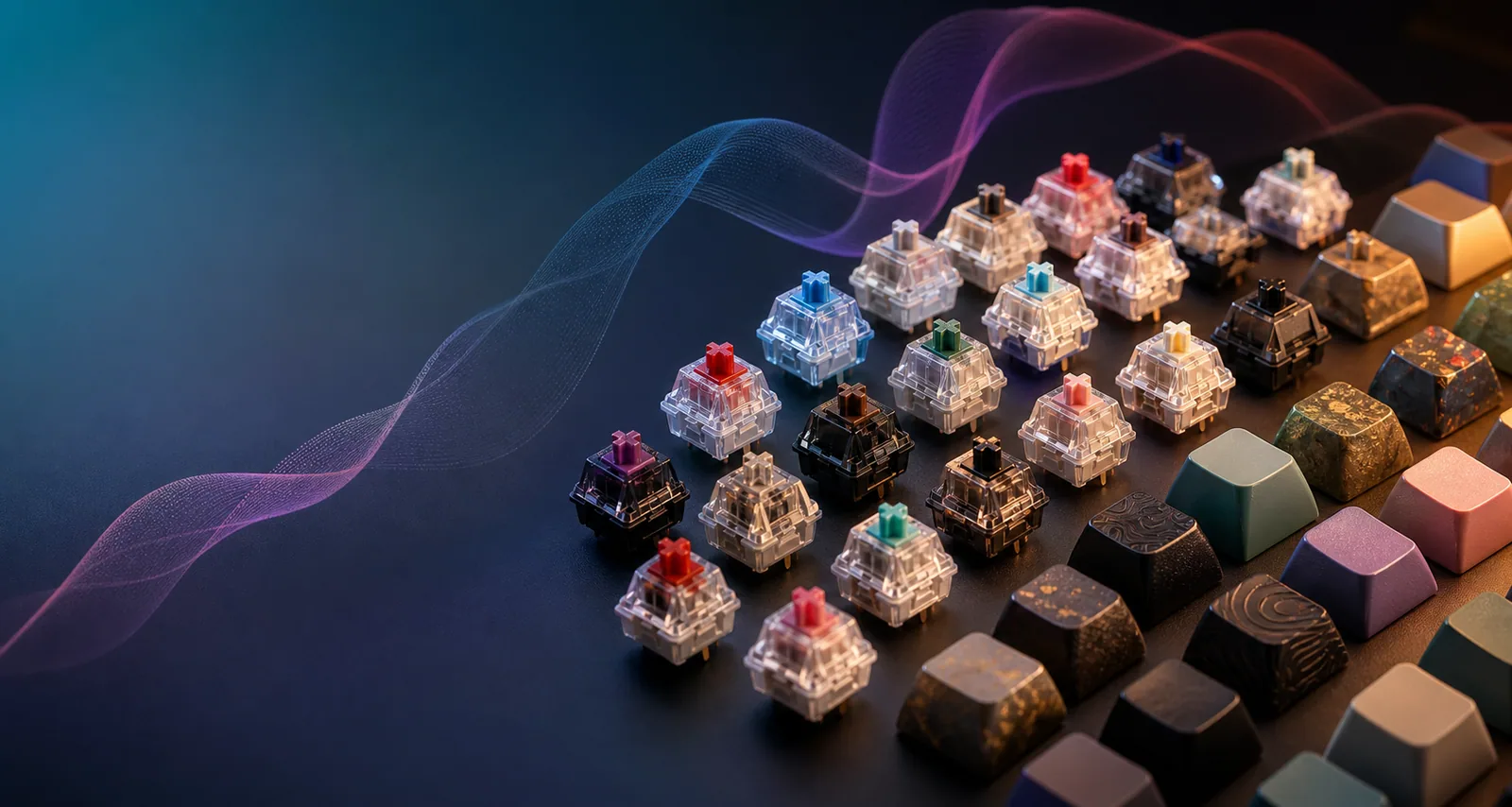
Install on your computer, enable playback, and choose a sound.
Choose the installer for your computer. Mac users can also install through the App Store.
On Mac, follow the Input Monitoring prompt. On Windows, open Klakk and check that playback is enabled.
Pick a pack, set a comfortable volume, and type a sentence in your usual app.
The Mac website edition (1.4.1) uses Input Monitoring to receive key events in other apps. Klakk uses physical key codes locally to select sounds and recognize its shortcuts. Klakk does not save typed text or upload raw key events. Usage/settings analytics and licensing communicate online.
Try all 14 sound packs free for 3 days. The website editions for Mac and Windows each cost US$4.49 once; each platform is purchased separately.
Get the signed Mac DMG containing the Apple-notarized Klakk app.
Download for macOSAutomatically installs the right version for your PC: x64 or ARM64.
Download for WindowsInstall Klakk through the Mac App Store.
Open Mac App StoreKlakk supports macOS 14 or later and Windows 10/11. The Windows installer automatically selects the native ARM64 or x64 version for your PC.
Install Klakk, enable it, choose a sound pack, and turn up its volume. On Mac, allow Input Monitoring in System Settings → Privacy & Security, then reopen Klakk if needed.
Yes. Select your headphones as Klakk’s audio output. If Klakk uses the system default, select the headphones in your computer’s Sound settings. Playback does not reduce the physical noise of your keyboard.
Try typing a few sentences during the free trial. Your audio device and connection affect timing; wired headphones or local speakers are useful for comparison with Bluetooth or remote audio.
Klakk includes 14 sound packs, including NovelKeys Cream, Gateron Red and Everglide Oreo. Preview the sound styles in the website demo and choose a pack inside the app.
Try all 14 sound packs free for 3 days. The website editions for Mac and Windows each cost US$4.49 once through Creem. Each platform requires its own purchase, with applicable taxes shown at checkout. The Mac App Store edition uses Apple’s displayed price and has a separate license from the website Mac edition.
Klakk (K-l-a-k-k) and Klack (K-l-a-c-k) are separate apps from different developers. Klack’s official website currently offers a Mac app. Klakk supports Windows 10/11 with native x64 and ARM64 builds, as well as its own Mac edition. Use Klakk’s Windows page to check the official installer and trial.
Install, choose a sound, and get help with playback.
Compare real sound samples in your browser before downloading.
Preview the sounds, see what is included, and choose how to install.
Windows 10/11, with automatic ARM64 or x64 installation.
Set up Mac permissions, choose a pack, and check the output.
Hear sound with each key press and understand what software changes.
Choose Mac or Windows and try all 14 sound packs free for 3 days.