What a mechanical keyboard sound simulator changes
A mechanical keyboard sound simulator plays audio when you press keys. A browser preview lets you try sounds on its webpage; a desktop app can add sound while you type in other Mac apps. Neither changes your keyboard’s physical noise, key travel, resistance or tactile bump.
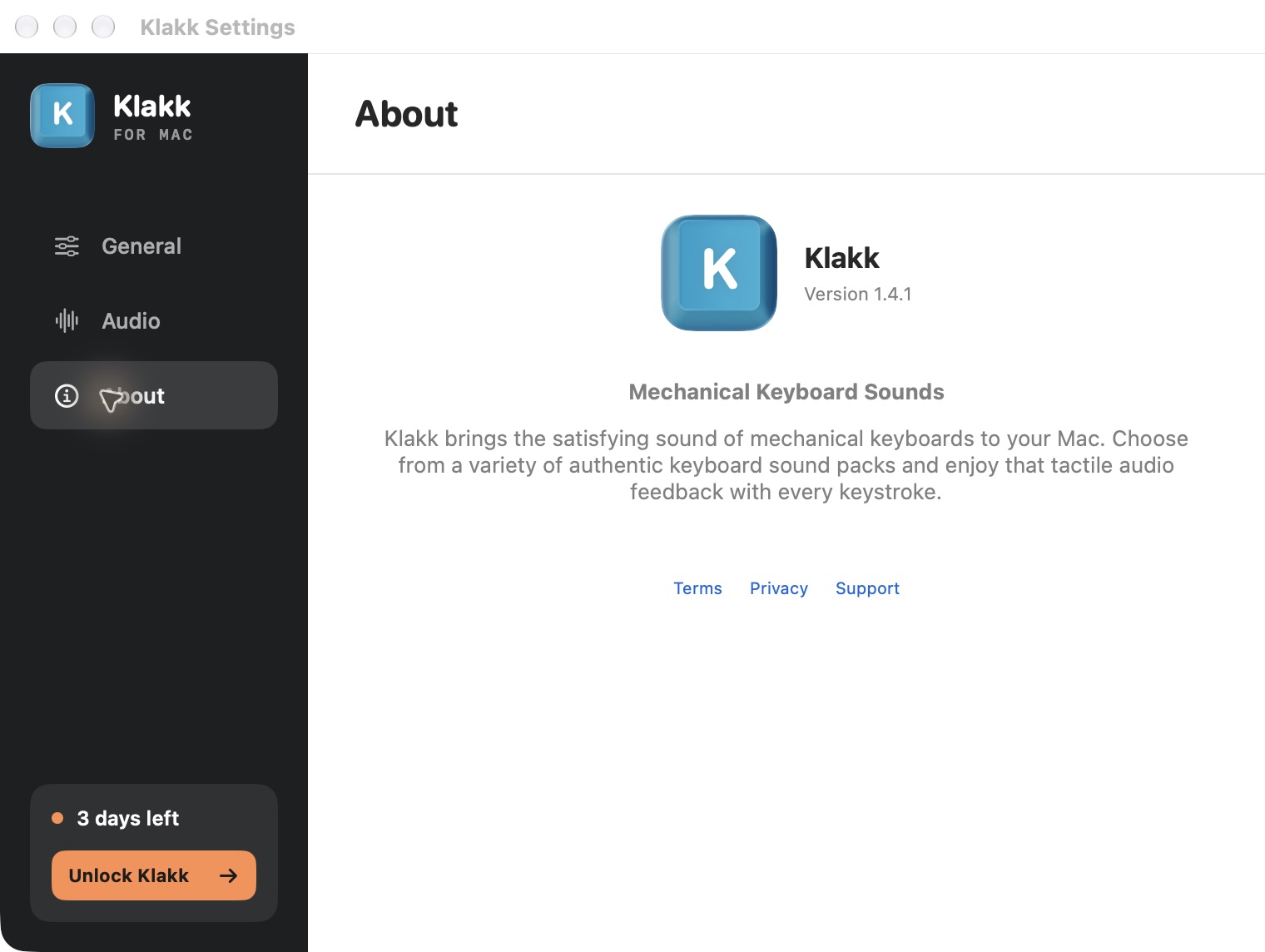
Klakk’s website Mac edition is 1.4.2, build 24, for macOS 14 or later on Apple silicon and Intel. It has 14 sound packs and a three-day trial from first launch. You can preview the sounds before installing, then test them in your everyday apps.
Klakk is made by Levin. This guide is published by the developer and was revised with AI assistance. Product facts were checked on 9 October 2026. It explains our app’s behavior; it is not an independent performance comparison.
Browser preview or desktop app?
Choose by where you want to hear the sound.
| Option | Where it works | What to check |
|---|---|---|
| Klakk’s browser preview | While typing in the preview on the webpage | Useful for listening without installing; it does not listen to typing in other apps |
| Klakk’s Mac app | While typing in other Mac apps with playback enabled | Requires installation and Input Monitoring permission |
| An audio or ASMR recording | Wherever you play the recording | Its sounds do not follow your own keypresses |
| A physical keyboard | At the keys themselves | Sound and feel depend on the actual hardware |
An ordinary webpage preview cannot listen to your typing in Notes or Mail after you leave the page. Browser extensions and installed tools can have different permissions, so check the particular product rather than assuming every browser tool behaves like Klakk’s preview.
A recording or simulated pack is also not a reliable prediction of how a physical keyboard will sound on your desk. The keyboard, desk and playback equipment are different parts of that experience.
Set up Klakk on your Mac
- Check that your Mac runs macOS 14 or later. The official 1.4.2 release identifies the website Mac installer as
Klakk-1.4.2-24.dmg. - Get Download for macOS from the download page. Open the DMG, copy Klakk to Applications and launch it.
- Review the permission explanation. To enable playback across apps, allow Klakk under System Settings → Privacy & Security → Input Monitoring. Quit and reopen it if macOS asks you to.
- In Klakk’s General settings, turn on Enable Klakk, choose a Sound Pack and adjust Volume.
- In Audio settings, check Output Device. System Default follows the Mac’s selected output; you can also choose a device for Klakk.
- Type a sentence in Notes. If you hear nothing, use the installation and no-sound checklist.
Understand Input Monitoring and data use
Apple explains Input Monitoring as permission for an app to monitor input even while you use other apps. You can turn that access on or off in Privacy & Security settings.
Klakk uses key events and key codes to select and play sounds. Describing this as access only to the time of a keypress would be incomplete. The website edition does not upload your typed text or raw key codes, but it does make usage and licensing requests. Local sound playback does not mean the app has no network communication. Read the privacy policy before deciding whether to grant access.
Hear the sound through headphones
Headphones route the generated audio to you instead of broadcasting it through your Mac’s speakers. The physical keys still make their original noise. If your goal is to make the keyboard itself quieter, a sound simulator cannot do that.
During the trial, try the same sentence with your usual output device and with speakers or wired headphones. Listen for whether playback feels connected to your typing and whether the pack’s Space, Return and Delete sounds suit you. We have not verified a universal end-to-end latency figure for Klakk or a speed advantage over other apps.
For a longer personal check, follow the Mac sound app trial checklist. For alternative software, see the Mac keyboard sound app comparison.
Trial and purchase terms
Opening the website Mac edition starts its three-day trial. Continued use costs US$6.99 once through Pancake, plus applicable taxes shown at checkout. Use the purchase control in the installed app if you decide to keep it.
The Mac App Store edition has a separate purchase and license, with Apple’s displayed regional price. The Windows edition is purchased separately too. Check the edition and amount before paying; a website Mac purchase does not unlock the other editions. The terms explain the current purchase conditions.
Start with the browser preview if you only want to listen. Install the Mac trial when you want to find out whether you enjoy those sounds while using your own apps.