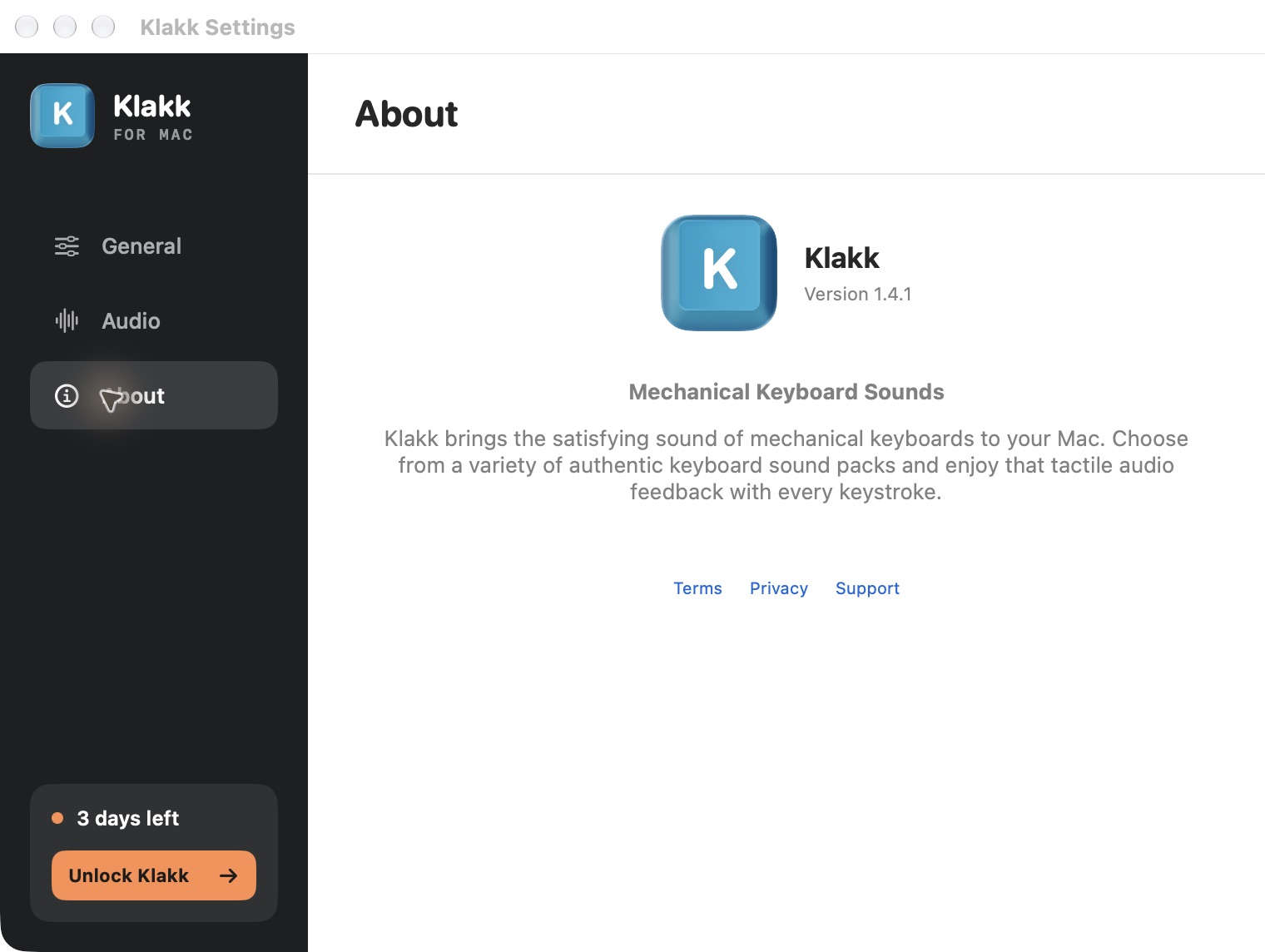
Klakk and Klack are separate keyboard-sound apps. Klakk is the product at tryklakk.com, with website Mac and Windows editions. Klack is Henrik Ruscon’s product at tryklack.com, with the Mac App Store listing identified below. Their purchases, sound libraries and features should not be combined because the names look alike.
I’m Levin, Klakk’s developer, and prepared this comparison with AI assistance. The product identities, Klack’s current US Apple listing and Klakk’s publicly available website offers were checked on October 12, 2026. This is a buying comparison written by one of the makers, not an independent sound-quality ranking or a new test of the competing app.
Hear Klakk’s 14 included packs · Try the Mac website edition · Try Klakk for Windows
Match the product to the purchase
| Product | Official identity |
|---|---|
| Klakk | tryklakk.com; its separate Mac App Store product ID is 6754638652 |
| Klack | tryklack.com; Mac App Store product ID 6446206067, published by Henrik Ruscon |
The website and product ID are more reliable than assuming a near-identical search result is the same app. A review of Klack is not a Klakk review. A feature in Klack’s release notes is not evidence that Klakk offers it.
If you are looking for Klakk’s Windows edition, use the Windows product page. Buying the Mac app in the linked Klack listing does not give you a Klakk Windows license. Follow the purchase route for the product and platform you intend to use.
Which Mac and platform are you choosing for?
Klakk’s website Mac 1.4.1/build 23 supports macOS 14 or later, on Apple silicon and Intel. The website also offers Windows 1.4.1, with native x64 and ARM64 Windows 10/11 builds. These are separately licensed platform editions.
Klack’s US Apple listing currently shows version 2.1.4 and a minimum of macOS 15.0. This comparison refers to that Mac offer. Check the current listing against your Mac before purchasing; its requirements should not be substituted for Klakk’s website Mac requirements.
For a Mac that cannot run the current app you are considering, sound samples alone are not enough to make the purchase fit. The broader Mac comparison includes other documented options and their platform limitations. Do not assume that a similar name provides a way around a system requirement.
Included recordings or extra sound shaping?
Klakk’s website editions include 14 packs, available in the browser preview and the installed app. Choose an included pack, set a comfortable playback level and select your output. That is the offer to consider if you want to hear one of those recordings while typing with your existing keyboard.
Listen to the full Klakk selection before deciding. The pack names and recordings are listed in the sound-pack article. The app supplies software playback; it does not change the keyboard’s physical switches or tactile feel.
Klack’s current Apple description lists spatial audio, up/down keystrokes, randomized pitching, switch customization and tone-pad tuning. Those are the developer’s published feature claims. We have not independently measured their result or tested the current app on your Mac.
These claims should not be assigned to Klakk. Our current website editions do not provide a user-facing custom-pack importer or pitch editor. Ordinary mapped keys trigger Klakk playback on the press; a separate release-sound control is not part of the current offer. If a specific shaping feature is essential, confirm it in the app you select rather than assuming that any keyboard-sound product includes it.
A longer feature list is also not a sound-quality verdict. Your decision can depend on the included recordings you like, the controls you want and the setup you are willing to use. Neither this comparison nor the two prices establishes a measured latency or productivity advantage.
Prices and channels are separate
| Purchase route | Offer checked |
|---|---|
| Klakk website Mac | Three-day trial from first launch; US$4.49 once for Mac, plus applicable tax |
| Klakk website Windows | Three-day trial from first launch; US$4.49 once for Windows, plus applicable tax |
| Klakk Mac App Store | Separate store purchase and license; confirm Apple’s displayed regional price |
| Klack US Mac App Store | The current US listing displays US$4.99; confirm the offer and price in your purchase screen |
The US prices are not a promise of the same final amount in every country. Taxes, region and channel matter. Klakk’s website three-day trial must not be relabeled as Klack’s trial or assumed to describe another App Store offer.
Your receipt should match the product you intended to buy. A Klakk website purchase, a Klakk App Store purchase and a Klack App Store purchase belong to different routes. Choose the installed edition’s corresponding purchase or restore flow rather than trying another app’s license key.
When Klakk is a reasonable shortlist
Put Klakk on your shortlist if you want its included sounds, your computer meets the requirements and you want to evaluate the website edition before buying its platform license. All fourteen packs are included in that trial; you can choose the one you like instead of buying an included pack individually.
The Windows option is useful when your decision includes a Windows PC, but its current installer is unsigned. Read the download-source and warning comparison before running it. Native architecture support does not prove a particular end-to-end delay.
For Mac, Input Monitoring is required for Klakk’s keyboard-event playback. Input events and key codes are processed locally without uploading typed text or raw keystrokes; usage/settings and licensing communication still occurs. Read the website Mac privacy policy for the current scope. Do not infer another app’s behavior from this statement or from the names being similar.
If your purchase depends on Klack’s listed sound-shaping features, evaluate that product through its own official offer. If custom recordings or a free app are your main requirement, the Mac comparison and custom-pack comparison provide other choices. Choosing a different product is preferable to buying the wrong capability under a similar name.
Frequently asked questions
Is Klakk a Windows version of Klack?
No. They are different products. Klakk’s Windows edition is supplied by tryklakk.com and has its own platform purchase.
Can I use a Klack receipt to activate Klakk?
No. A purchase belongs to the app and channel you bought. The similar spelling does not make their licenses interchangeable.
Do the two apps have the same macOS requirement?
Not in the offers checked here. Klakk website Mac 1.4.1 requires macOS 14 or later; Klack’s current US listing specifies macOS 15. Confirm the current edition before buying.
Does Klakk’s trial include all fourteen packs?
Yes. The website Mac and Windows trials include all fourteen bundled packs and begin at first launch. Continued use requires the corresponding platform license.
Hear Klakk, then choose your platform
Preview Klakk’s 14 packs · Try the website Mac edition · Try Klakk for Windows