Free download macOS
Direct download
Get the Apple-notarized macOS installer from tryklakk.com.
Download for macOSEnjoy the satisfying click of authentic mechanical keyboard sounds without disturbing anyone. Perfect for quiet offices, libraries, and late-night work sessions.

Choose a sound pack, then press any key to hear how it feels while you type.


 Volume
  Sound Pack


Hear Mechanical
Keyboard Feedback
Select your favorite sound from the menu,
then press any key to hear it.
Try clicky, creamy, and softer typing sounds
before installing the Mac app.
💡 Interactive Demo - Experience real mechanical keyboard sounds from Klakk
Keep the mechanical keyboard feeling in your headphones, while the room stays quiet.
The demo video shows the product story: satisfying key feedback for you, quiet space for everyone else.
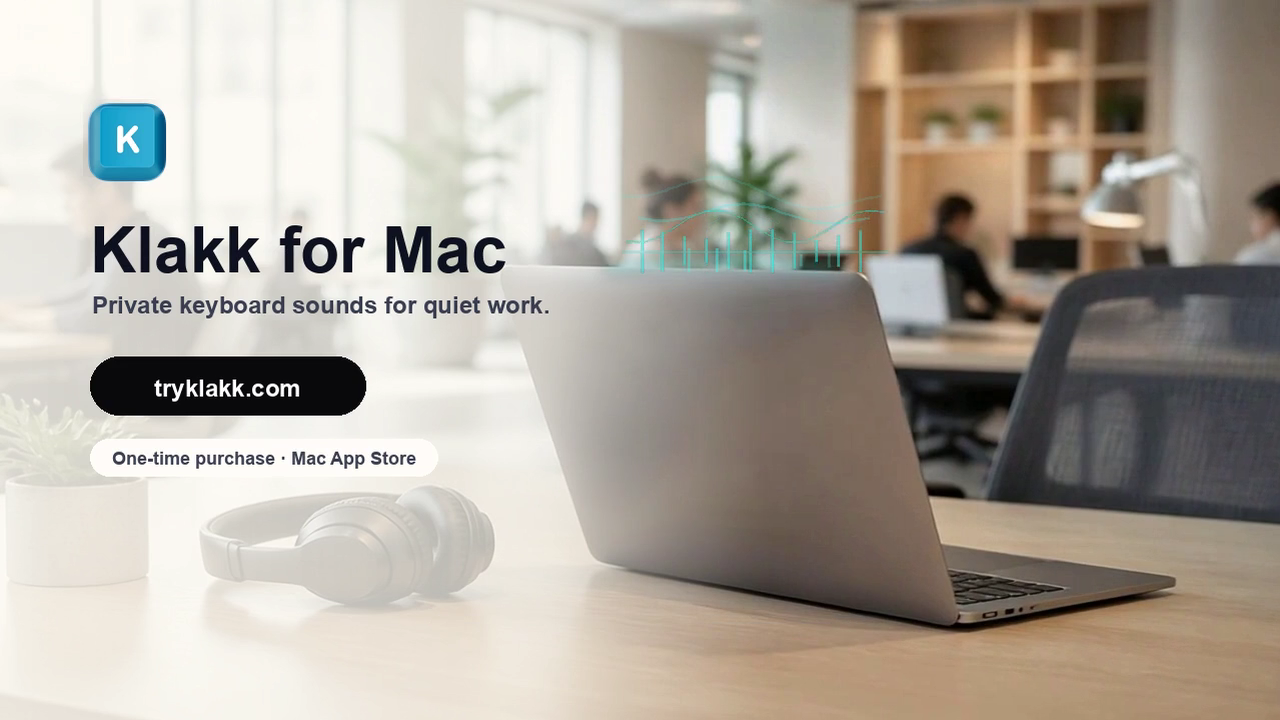
Mechanical keyboards feel great, but offices need quiet. Klakk keeps the feedback private. Pick a sound pack you love, put on your headphones, and enjoy the clicks without sharing the noise. Try Klakk for Mac at tryklakk.com.
Use Klakk when you want mechanical keyboard feedback, but the people around you need quiet.
Keep the tactile sound for yourself when the room needs to stay quiet.
Read guideAdd satisfying feedback without waking anyone around you.
Read guideUse keyboard ASMR as a private focus cue, not a room-wide distraction.
Read guideTry switch-style sounds before spending on another mechanical keyboard.
Read guideKlakk includes 14 sound packs from familiar mechanical keyboard styles, so you can move between clicky, creamy, softer, and sharper feedback without changing hardware.
The library is not limited to Cherry-style sounds. It includes switch-inspired packs across Cherry MX, Gateron, Everglide, NovelKeys Cream, Banana Split, Razer BlackWidow Elite, and Apex Pro styles.
Compare sound simulator options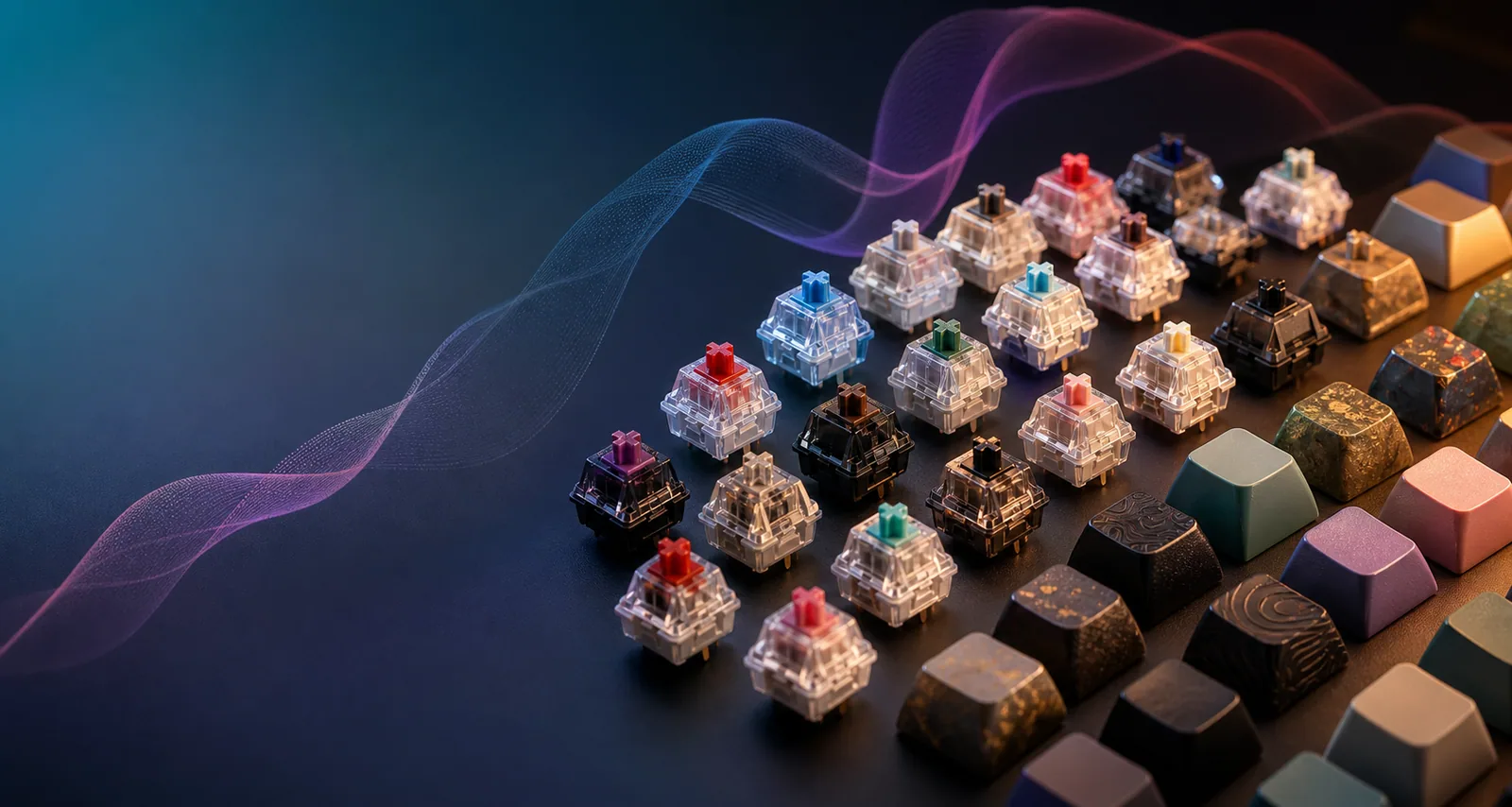
Install Klakk, grant the macOS permission, then choose the sound you want to hear.
Get Klakk from this site or the Mac App Store. Open it to start your 3-day trial.
Follow the simple guide to grant Input Monitoring permission. Required for global keyboard monitoring.
Choose your favorite sound pack and start typing. Works in every app on your Mac!
Klakk needs Input Monitoring permission so it can hear key events system-wide and play sounds in every Mac app. It does not record what you type, store typed content, or upload your keystrokes.
See permission helpStart with 3 days free, then unlock Klakk with a $4.49 one-time purchase.
Get the Apple-notarized macOS installer from tryklakk.com.
Download for macOSInstall Klakk through the Mac App Store.
Open Mac App StoreKlakk needs Input Monitoring permission to monitor keyboard events system-wide so it can play mechanical keyboard sounds in any app you use - from coding in VS Code to writing in Notion. This is required by macOS for global keyboard monitoring. Klakk only monitors key presses for sound playback and doesn't collect, store, or transmit any personal data.
To grant Input Monitoring permission: 1) Open System Settings (or System Preferences on older macOS), 2) Navigate to Privacy & Security → Input Monitoring, 3) Click the lock icon to make changes (enter your password), 4) Find Klakk in the list and toggle the switch to ON, 5) Restart Klakk if it was already running. If you don't see Klakk in the list, click the '+' button to manually add it. Navigate to Applications folder, select Klakk, and click Open. Then toggle the switch to ON.
Klakk is a universal keyboard sound simulator that works with any keyboard connected to your Mac - built-in MacBook keyboards, external USB keyboards, wireless Bluetooth keyboards, and more. It monitors at the macOS system level, so your typing sounds work everywhere, from office work to gaming.
No. Klakk is a lightweight, native macOS app that's highly optimized with ultra-low CPU usage (< 1% when idle) and minimal memory footprint (~ 50MB). The ultra-low latency audio engine ensures zero performance impact. You won't even notice it's running in the background.
Custom sound pack import is coming in a future update! Currently, you can choose from 14 professionally recorded sound packs from 7 brands: Cherry MX (Black, Blue, Brown, Red), Gateron (Black, Brown, Red), Everglide (Crystal Purple, Oreo), Banana Split (Lubed, Stock), NovelKeys Cream, Razer Blackwidow Elite, and Apex Pro - all captured from authentic mechanical keyboards.
Try Klakk free for 3 days. Buy the direct edition once through Creem or the Mac App Store edition once through Apple. Each purchase unlocks the edition you installed.
Guides for keyboard ASMR, typing focus, quiet offices, and choosing the right mechanical keyboard alternative.
Compare Mac keyboard sound apps, sound packs, latency, and quiet typing workflows.
Learn how keyboard sounds, keyboard ASMR, and audio feedback can support deep work.
See when software keyboard sounds beat buying another physical mechanical keyboard.
Compare quiet switches, desk setup changes, and headphone-only typing sounds.
Try every sound pack for 3 days, then keep the setup that fits your work.